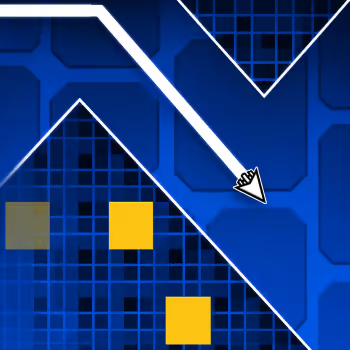
About Geometry Dash Wave
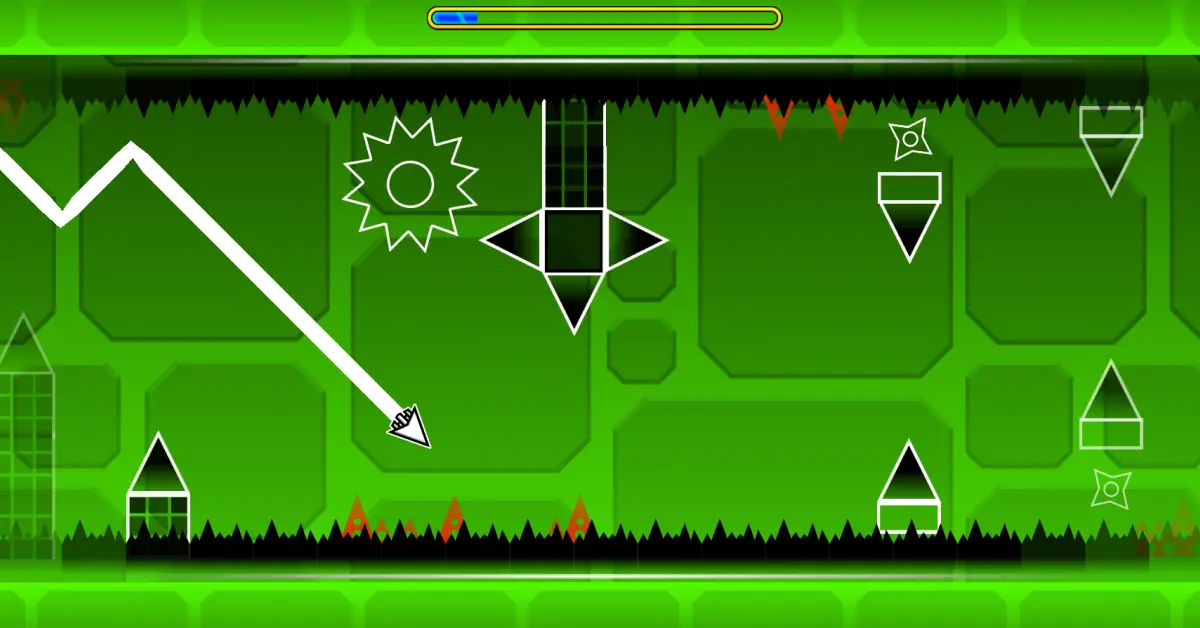
Geometry Dash Wave focuses on one of the most demanding movement styles in Geometry Dash: wave control. Your glowing icon travels forward automatically while you guide it through narrow tunnels, sharp turns, spikes, and moving barriers. Hold the control and the wave climbs diagonally; release it and the wave immediately heads downward. That simple rule creates a challenge where even a tiny input can completely change your path.
The difficulty rises as routes become tighter and obstacle sequences arrive faster. Some areas leave enough space for broad movements, while harder sections require very short taps to stay centered between hazards. Practice Mode is also available for learning difficult patterns without treating every mistake like a full restart.
Geometry Dash Wave is especially satisfying for players who enjoy improving through precision rather than complicated controls. Play it on GD Lite and see how smoothly you can maintain your zigzag line when the course starts closing in.
How to Play
Guide the wave through each stage without touching spikes, walls, or moving obstacles. Hold the control to travel diagonally upward and release it to move downward. In wide areas, longer holds can help you gain height quickly, but tight tunnels usually require shorter, more controlled inputs. Watch several obstacles ahead instead of concentrating only on the wave itself, and use repeated attempts to memorize sudden changes in the route.
Geometry Dash Wave Gameplay
Controls
Desktop
- Left Mouse Button: Hold to move upward
- Spacebar: Hold to move upward
- Release: Move downward
Mobile
- Touch and hold: Move upward
- Release: Move downward
Difficulty
Hard
Best For
- Wave Game Fans
- Precision Players
- Reflex Training
- Pattern Learning
- Fast Skill Challenges
Why You'll Love It
- Pure wave gameplay keeps the focus on precise movement.
- Narrow passages make tiny corrections important.
- Increasing speed creates a noticeable skill curve.
- Practice Mode helps you learn difficult sections.
- Quick restarts make it easy to chase a cleaner run.
Game Features
- Wave-style zigzag movement.
- Automatic forward motion.
- Spikes, walls, traps, and moving barriers.
- Increasingly tight obstacle layouts.
- Practice Mode for difficult sections.
- Neon geometric visuals and energetic music.
Similar Games
Players who enjoy Geometry Dash Wave may also like:
FAQ
Is Geometry Dash Wave free to play?
Yes. The browser version can be played online without installing the game first.
How do you control the wave?
Hold the mouse button or Spacebar to move diagonally upward, then release to move downward. Mobile players can use the same mechanic by holding and releasing the screen.
What happens when you hit an obstacle?
Touching a spike, wall, or other dangerous object ends the attempt and restarts the level.
Does Geometry Dash Wave have Practice Mode?
Yes. Practice Mode lets you train difficult sections repeatedly before attempting a complete run.
How can I improve at Geometry Dash Wave?
Use short taps when the path becomes narrow and avoid making large corrections unless necessary. Keep your attention farther ahead on the course, memorize difficult turns, and aim for a steady zigzag rather than constantly reacting at the last second.